Claim Your Apache Doris Community Badge
The five community badges
Each badge recognizes a different kind of contribution. You can claim the Contributor badge today. The Committer and PMC Member badges are sent out by the PMC, so there is nothing to apply for. The two 2026 badges are awarded by the community, and we'll add the criteria and the process for each one to this page once they're settled.
ContributorCode, docs, ideas or other work, with at least one PR merged.Open now CommitterCommit access, earned through sustained and trusted contributions.Open now
 PMC MemberGuides the project's technical direction and community governance.Open now
 Active Contributor 2026Consistent and impactful contributions during the year.Coming soon
 Community Champion 2026Major features, user stories, talks, events or other community initiatives.Coming soon
Get your digital badge
Contributors go through all four steps. We check every claim by hand before Holopin sends the invitation, so the first two prove the GitHub account is yours. Committers and PMC members skip those two: the PMC sends your invitation, so you join at step 3.
Add the passphrase to your GitHub profile README
Temporarily add this line anywhere in your profile README (the username/username repository):
Apache Doris Community Badge
Fill out the claim form
We need two things: your GitHub ID, so we can find the merged PR, and an email address for the badge invitation.
Committer or PMC Member? Start here
You don't apply for these two badges. The Doris PMC goes through the official committer and PMC member lists and sends everyone on them a Holopin invitation directly. Committers receive the Committer badge; PMC members receive both the PMC Member and the Committer badge. When the email arrives, continue from step 3. From there on, showing the badge off and applying for the physical one work the same as for the Contributor badge.
Want the Contributor badge as well? You qualify like anyone with a merged pull request, so claim it through steps 1 and 2.
Claim it on Holopin
Holopin will email you an invitation: for the Contributor badge once we've checked your PR, and for the Committer and PMC Member badges once the PMC has sent it. Click Claim Badge. Creating a Holopin account is free.
We recommend registering and signing in to Holopin with your own email address because signing in directly with GitHub currently has issues.
Can't find the email? Check your Promotions tab or Spam folder, since Holopin's invitations sometimes end up there.
Show off your badge
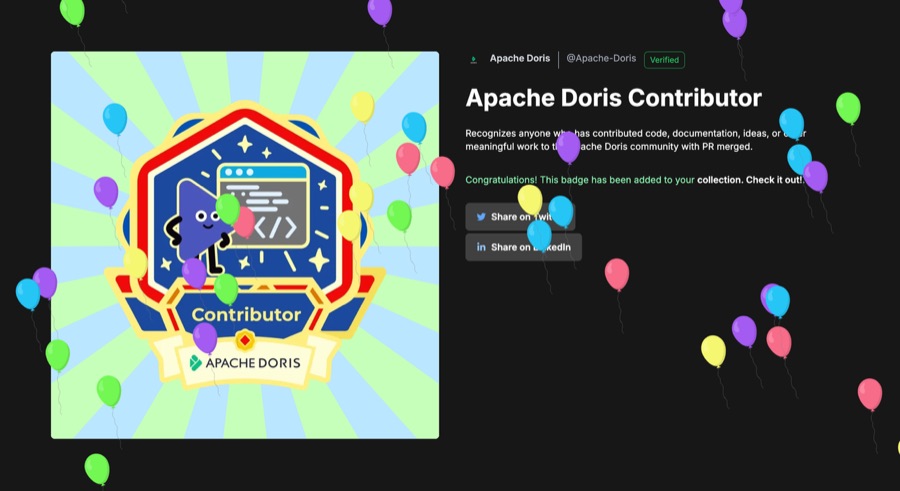
The badge is the community's way of saying your work mattered. Put it wherever you like.
- GitHub profile
- Anywhere else
- On Holopin, open Your Profile.
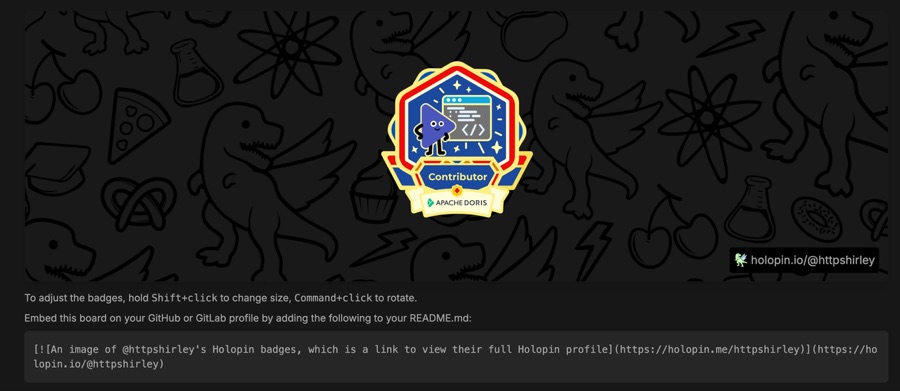
- Add your Apache Doris badge to your Board. Move, resize, or rotate it if you have several badges.
- Copy the code shown under your Board and paste it into your GitHub profile README.
The code is a single line of Markdown. Here is the one for the morningman account; yours will carry your own username:
[](https://holopin.io/@morningman)
To see it in place, open github.com/morningman and the README behind it.

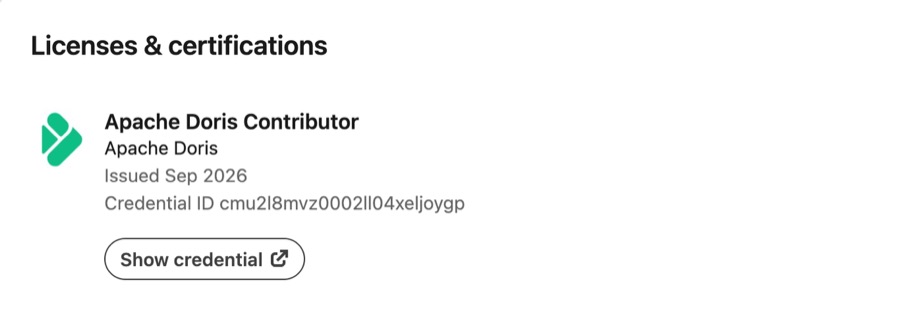
Add it under Licenses & Certifications on your LinkedIn profile:
- Name: Apache Doris Contributor (or Committer / PMC Member, whichever badge you hold)
- Issuing organization: Apache Doris
- Credential URL: your Holopin badge link
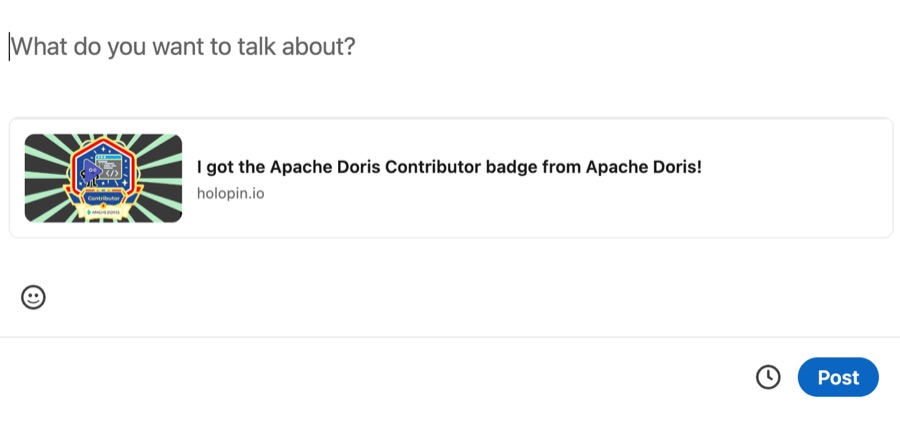
You can also post about it. A single line with the badge image attached is enough, for example:
Happy to have received my Contributor Badge from the @Apache Doris community. #ApacheDoris #ApacheDorisCommunityBadge
Swap in Committer or PMC Member if that's the badge you received. If you want the physical badge as well, this is the post step 5 asks for.
Your Holopin credential page is a stable link that anyone can check. Add it wherever a record of your contribution helps:
- Résumé / CV
- Personal website or portfolio
- Other developer & community profiles
- Conference speaker bios
Want the physical badge too? Two more steps
You can apply as soon as you've claimed your digital badge, since the LinkedIn post in step 5 needs to show it. Everyone who holds a digital badge is eligible, whether it's the Contributor, Committer, or PMC Member badge. We ship one physical badge per person, even if you hold more than one digital badge.
Share your badge on LinkedIn
Write a LinkedIn post about your new badge. Say whatever you like: what you built or fixed, or how you ended up in the community in the first place. The only requirements are the three below. If you'd rather keep it short, the sample post under the LinkedIn tab in step 4 plus the badge image is enough.
- Your post must include
- A mention of the official @Apache Doris LinkedIn page
- The hashtag #ApacheDorisCommunityBadge
- Your badge image or Holopin badge link
Submit your shipping details
After publishing your post, fill in the physical badge form with the post link and your shipping address.
Delivery times vary a lot by country, and in some places customs rules or carrier restrictions can stop a package altogether. We'll do our best to get the badge to you, but we can't promise it will reach every address.
Questions?
The community team answers badge questions in Slack, including anything about the form or shipping.
Some contributions are large and visible. Others are small fixes that quietly make someone's day a little easier. All of them are part of open source, and these badges are our way of saying thank you.
The program has no end date. Contribute whenever you like, and claim your badge once your pull request is merged.
The Apache Doris Community