LibreDB Studio
Overview
LibreDB Studio is an open source (MIT licensed) SQL IDE that runs in a browser instead of installing as a desktop application. It ships as a Docker image, a Helm chart, or an npm package, and connects to Apache Doris over the MySQL wire protocol using its MySQL connection type, since there is no separate Doris driver.
After reading this article, you can do the following:
- Run LibreDB Studio and create a Doris connection using its MySQL connection type.
- Browse internal-catalog databases and tables, and run SQL against Doris.
- Know which readings Doris does not publish, and why, before you rely on a panel.
Prerequisites
- LibreDB Studio is running. The quickest way is Docker:
docker run --name libredb-studio -p 3000:3000 ghcr.io/libredb/libredb-studio:latest
Open http://localhost:3000. The initial administrator password is printed in the container logs (docker logs libredb-studio).
A Helm chart and an npm package (npx @libredb/studio) are also available; see the
LibreDB Studio repository for details.
- The FE must be reachable from the LibreDB Studio server/container.
localhostin a container refers to that container; when Doris runs on the host, use a host address reachable from the container. Grant the Doris user the privileges needed for the target database and tables. - Doris cluster connection information is ready: the FE host address, the FE MySQL protocol port
(default
9030), a target database, a username, and a password.
Connect to Doris
1. Add a connection
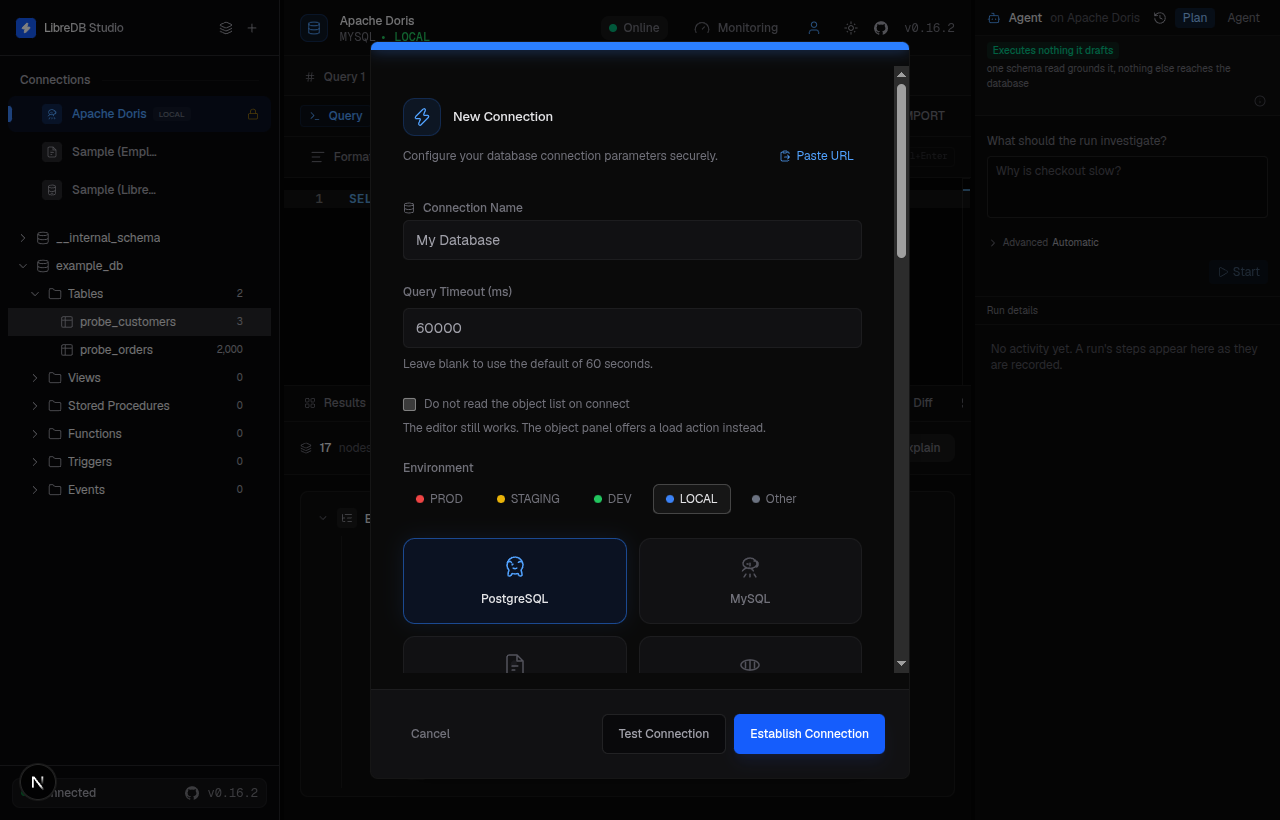
Open LibreDB Studio in your browser, sign in, and click the + button to add a new connection.
2. Configure the Doris connection
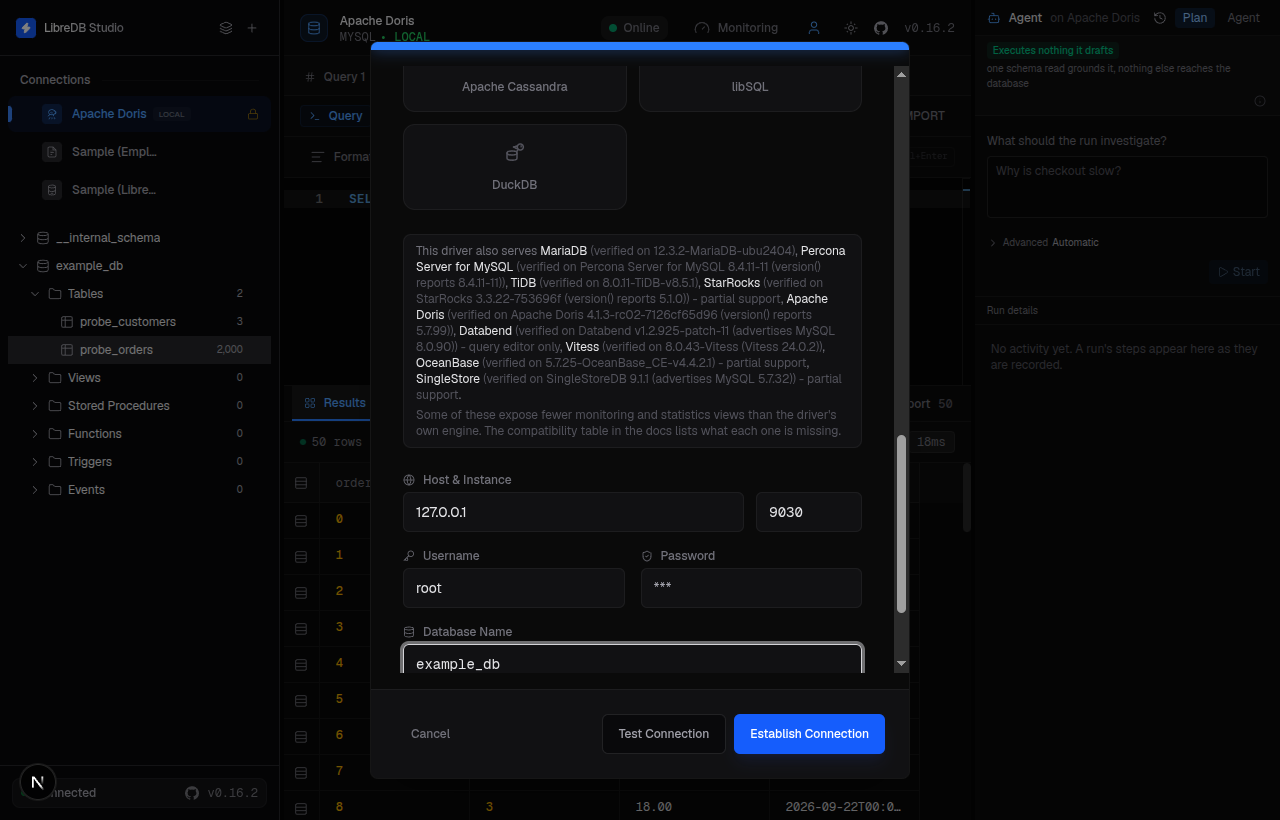
Select MySQL as the connection type (Doris speaks the MySQL wire protocol, so there is no separate Doris entry in the connection type list), and fill in:
| Field | Description |
|---|---|
| Host | The FE host address of the Doris cluster. |
| Port | The FE MySQL protocol port, 9030 by default (not MySQL's 3306). |
| Database | The target database in the Doris cluster's internal catalog. |
| User | The username for the Doris cluster. |
| Password | The password for the Doris cluster. |
3. Test and establish the connection
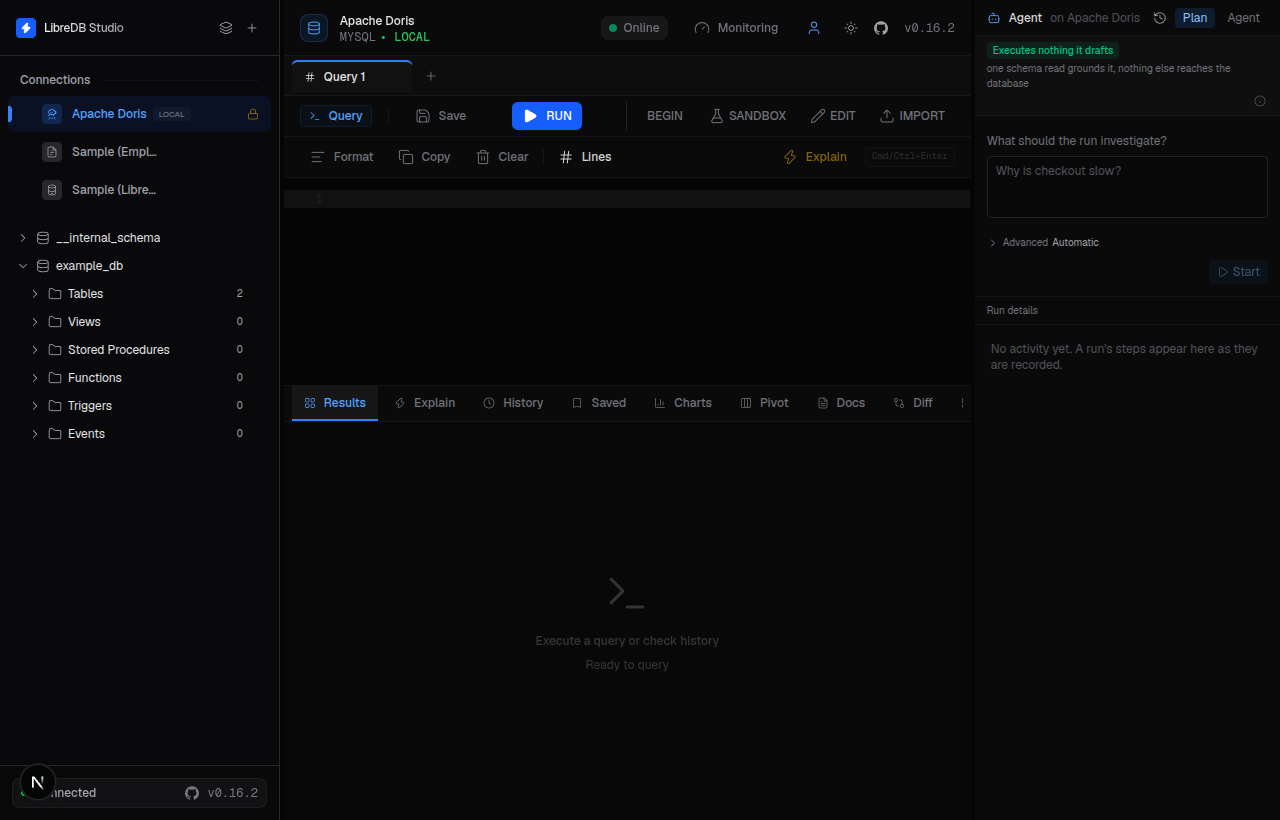
Click Test Connection to verify, then Establish Connection to save it. Test Connection
reports Connected successfully, one click of Establish Connection stores the connection, and the
header badge reads Online.
4. Browse and query
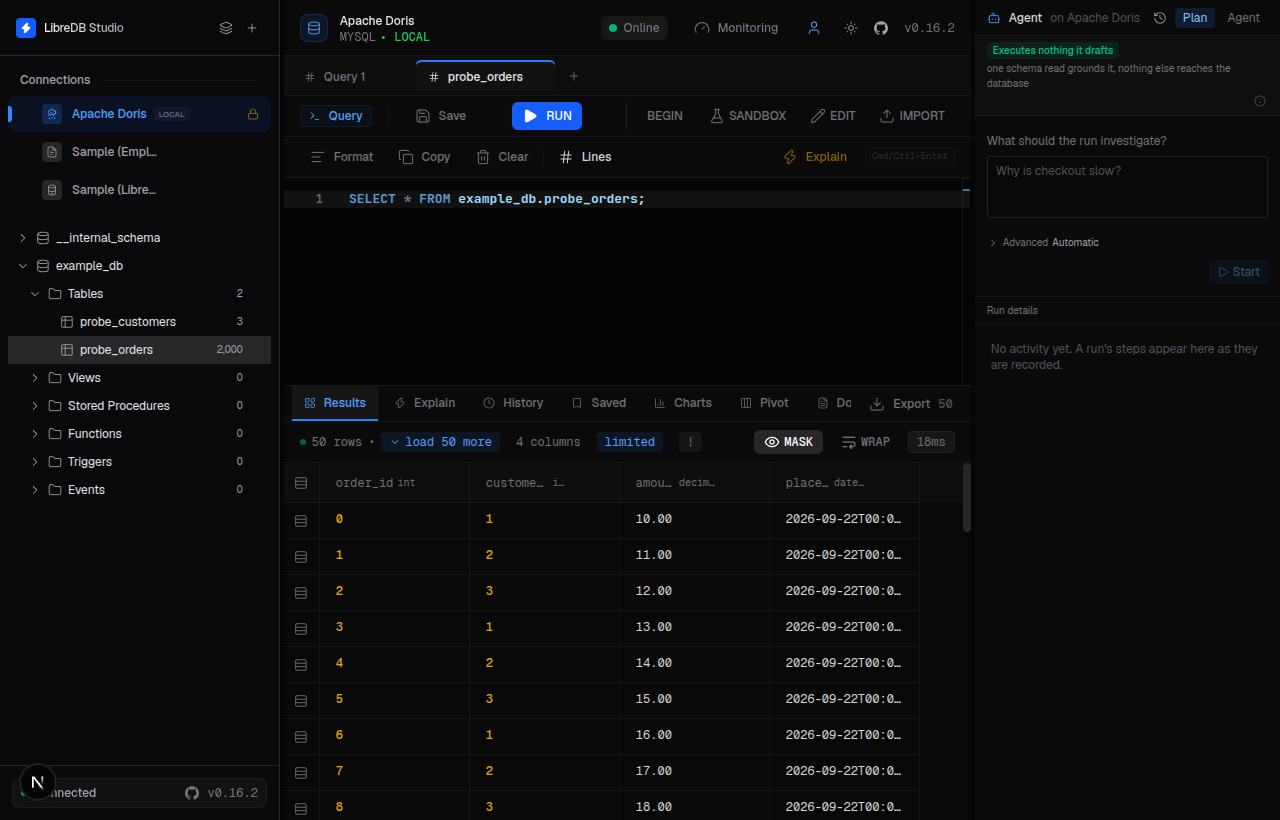
Expand the connection in the object browser to see Doris databases and tables, and use the SQL editor to run queries against the internal catalog. For example:
SELECT 1 AS connection_test;
+-----------------+
| connection_test |
+-----------------+
|               1 |
+-----------------+
Known limitations
Apache Doris is a fork target for the MySQL connection type rather than a connection type of its own, so LibreDB Studio reaches it through the same code path as MySQL, MariaDB, and TiDB. The observations below were initially verified with Doris 4.1.3. Differences in dev are stated explicitly; the visible panels also depend on the LibreDB Studio version:
| Area | Status | Detail |
|---|---|---|
| Row counts and byte sizes | Correct | Matched Doris's own SHOW DATA output exactly once Doris's background statistics settled, for both row count and byte size. |
| Query cancel | Correct | In the Doris 4.1.3 verification, a SELECT sleep(8) was cancelled; LibreDB Studio reported "Query Cancelled: Query execution was cancelled." |
| Permission errors | Correct | A role granted SELECT_PRIV on one table only saw that table in the object browser, and querying the other table returned Doris's own error text, with the specific role, database, table and column names replaced here by placeholders: Permission denied: user ['role'@'%'] does not have privilege for [...] command on [internal].[db].[table].[column]. |
| Overview and Health panels | Publish absences | Both answer. The overview shows the real build, read from @@version_comment rather than from version(), which reports the MySQL version Doris advertises. Doris answers a bare SHOW STATUS with zero rows and publishes no max_connections variable, so server uptime and the connection count read N/A, not published rather than 0. |
| Index list | Version dependent | Doris 4.1.3 returns an empty information_schema.statistics. The dev version publishes MySQL-compatible primary-key, unique-key, and index metadata through this table, allowing clients to discover it. Check the behavior of the Doris build you use. |
| Foreign keys | Not enforced; metadata is version dependent | Declared with ALTER TABLE ... ADD CONSTRAINT and listed by SHOW CONSTRAINTS. Doris 4.1.3 does not expose them in information_schema.KEY_COLUMN_USAGE; dev publishes declared constraint metadata there. Browser visibility depends on the Doris build. Doris does not enforce foreign-key constraints, so applications must ensure the data satisfies them. |
| Explain | Correct | The Explain button returns Doris's own Nereids plan. EXPLAIN FORMAT='json' is a parse error on Doris (mismatched input '='), so LibreDB Studio sends a plain EXPLAIN to this engine instead. |
| Maintenance actions | Partial | Analyze runs; Optimize and Check are not statements in Doris's grammar at all and are rejected as a parse error. |
| Freshly loaded tables | Temporarily zero | A table read 0 rows and 0 B immediately after a 2000-row load, and the true count appeared roughly a minute later once Doris's background statistics caught up. This is Doris's own lag, not a stale connection. |
For more on using LibreDB Studio, see the LibreDB Studio repository.